Managing passwords
NAVIGATION myITprocess login page
NAVIGATION My Account > Change Password
NAVIGATION My Account > Users > (select a user) > Reset password
PERMISSIONS All users can manage their own passwords. Only users with the IT Provider Admin role or a custom role with Full permission for Users can reset another user's password.
myITprocess allows you to manage passwords in a few easy steps.
Strong password requirements
Your myITprocess account password must meet the following requirements:
- Contain at least 8 characters.
- Include at least one uppercase letter (A–Z).
- Include at least one lowercase letter (a–z).
- Include at least one number (0–9).
- Include at least one non-alphanumeric character (such as !, $, #, or %).
- Not match commonly used passwords.
- Not contain character sequences derived from your email address.
myITprocess does not accept passwords that match any of the 10,000 most commonly used passwords it screens against or that contain four or more consecutive characters from your email address.
EXAMPLE If your email address is jane.doe@example.com, your password cannot contain jane or exam.
How to...
 Change your password
Complete the following steps to change your password while you are already logged in to your myITprocess account:
- In the upper-right corner of the header, click your username (My Account) and select Change Password.
- On the password change page that opens in the same tab, enter your current password in the Current Password field.
- In both the New Password and Confirm Password fields, enter the new password you wish to change to.
- Click Change.
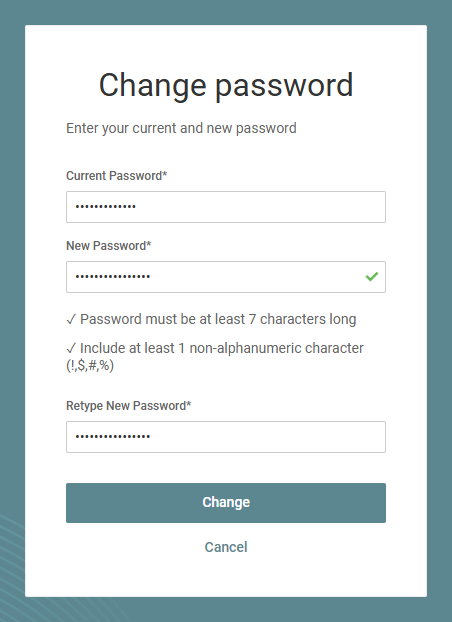
- In the Success window, click Back to Application to immediately enter myITprocess with your password changed. The next time you log in, log in with your new password.
Reset your password
If you have forgotten your password, you can reset it by following these steps:
- From the myITprocess login page, click the Forgot your password? link.
- In the Email field, enter the email address associated with your user account.
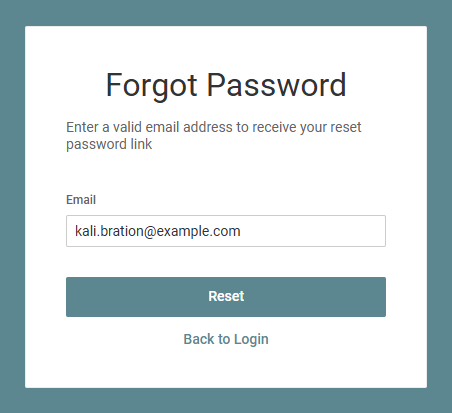
- Click Reset to trigger a password reset email.
- Navigate to your email inbox, open the password reset email from myITprocess, and click the link in the email to change your password.
- Enter a new password in both the Password and Confirm Password fields.
- Click Reset.
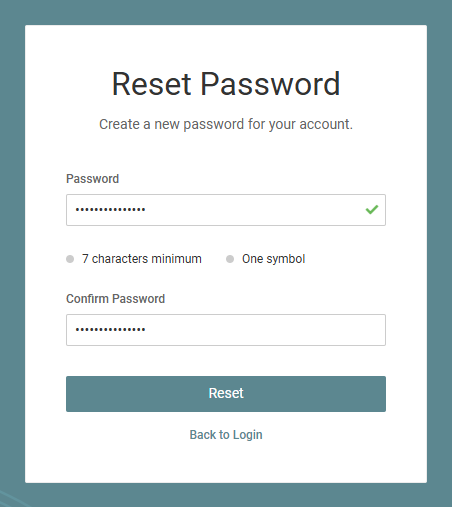
- Click Back to Login to return to the login page.
- Enter the password you just created.
- Click Log In.
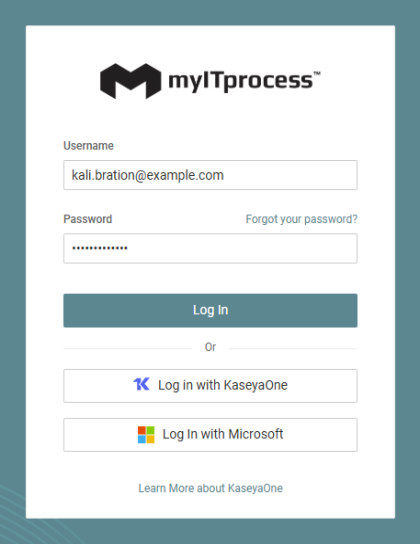
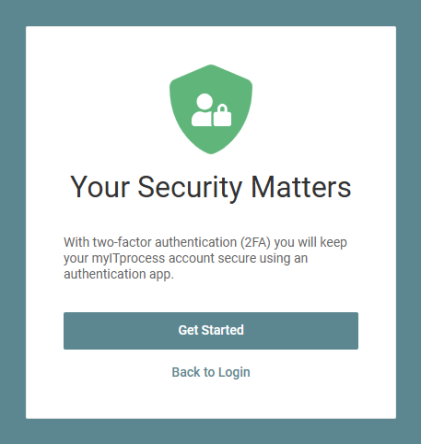
- In the Your Security Matters window, click Get Started.
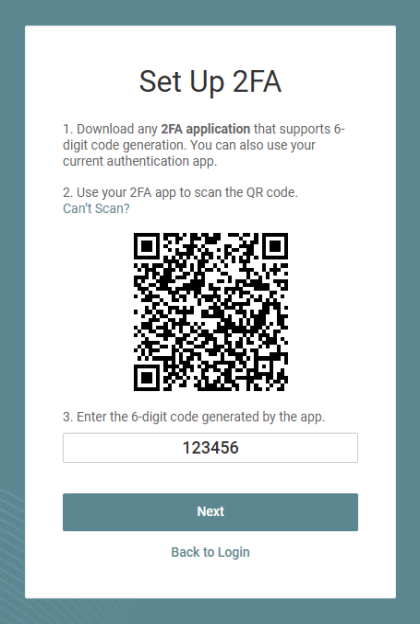
- In the Set Up 2FA window, scan the bar code with an authenticator application on your phone to configure 2FA to keep your account secure.
- Enter the six-digit one-time code generated by your authenticator application.
- Click Next.
- In the Success window, click Done to enter your myITprocess account.


