Navigating the home page dashboard
NAVIGATION Home
PERMISSIONS IT Provider Admin or VCIO: All widgets
PERMISSIONS Engineer: Quick access, Reviews, and Categories widgets only
PERMISSIONS Access to organization data is determined by organization groups. Refer to Using organization groups.
The Home page, designed to give myITprocess users insight into the most important activities for their role, displays widgets that summarize data from the myITprocess account.
The available widgets depend on the role of the logged-in user, specified in the preceding permissions.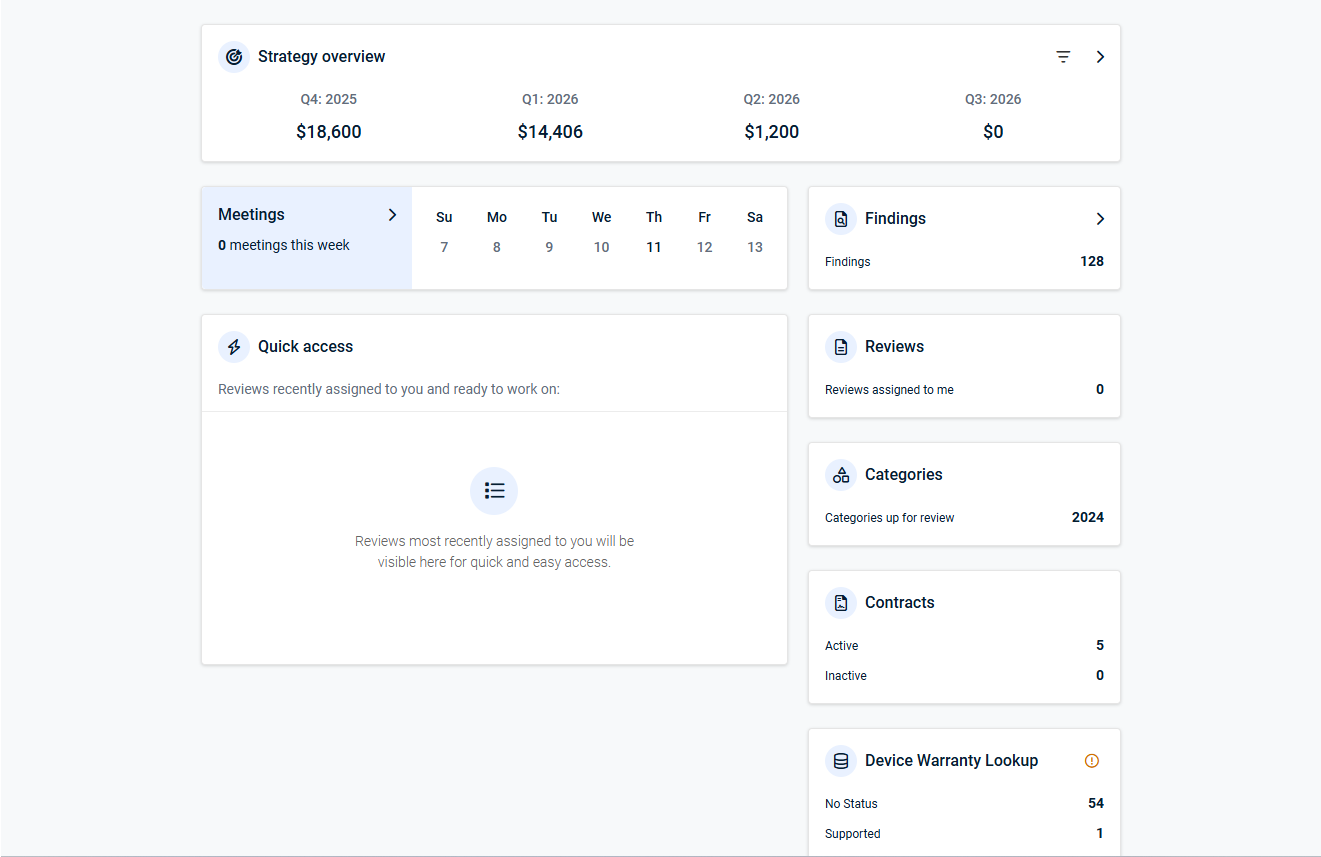
Widgets
Strategy overview

This widget shows a summary of the budget information for all organizations you have access to. Click the filter icon  to filter the data by planned (not rejected) or approved recommendations and/or the user(s) assigned as organization engineer(s) or vCIO(s).
Clicking this widget opens a pane, organized by quarter, with details about which organization roadmaps and recommendations are included in the budget data shown.
Click a quarter and organization roadmap tile to navigate to that Strategic Roadmap.
Refer to Getting started with the Strategic Roadmap.
Meetings

This widget shows all organization meetings scheduled in the Strategic Roadmap for the current week.
Clicking this widget opens a pane with full calendar details.
Refer to Adding and managing meetings.
Quick access
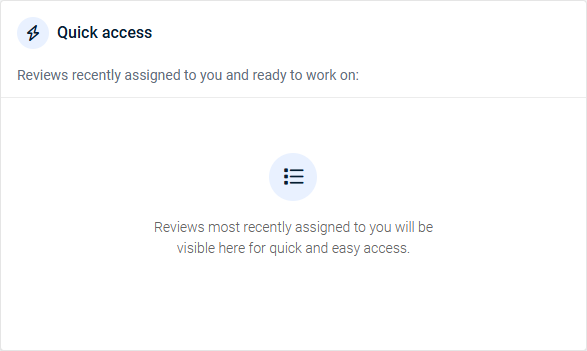
This widget shows the most recent reviews that you have been assigned to as the engineer or vCIO. Click an entry to open the review on the Alignment page.
Refer to Managing reviews.
Findings
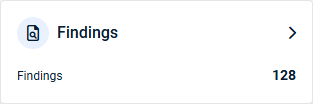
This widget displays the total number of unassigned findings across all organizations you have access to. Unassigned findings are review questions answered as No by the engineer and not yet either answered by the vCIO or assigned to a recommendation by the vCIO.
Clicking this widget opens a pane showing the total number of unassigned findings per organization. From here, you can do the following to manage findings:
- Click the arrow icon
 in an organization card to see all unassigned findings for that organization.
 - Click a finding card to open that finding's detail pane on the Strategic Roadmap, allowing you to see all question/answer details and take actions.
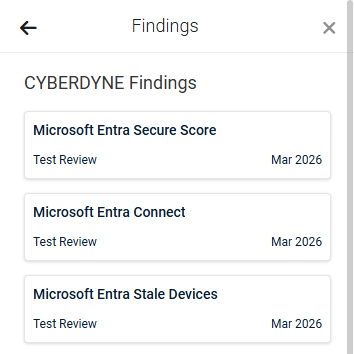
- You have the following options to address unassigned findings and remove them from the total count in the Findings widget:
- Apply an alignment marking and/or assign a recommendation to the finding.
- Archive the finding.
- If required, click the back arrow in the upper-left corner of the pane to view the full Findings pane for the review that finding belongs to.
For more details, refer to Managing findings.
Reviews
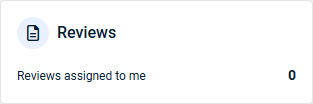
This widget displays the number of reviews you are assigned to as an engineer or vCIO.
Clicking this widget opens the My Reviews view on the Alignment page, allowing you to view and manage your assigned reviews.
Refer to Managing reviews.
Categories
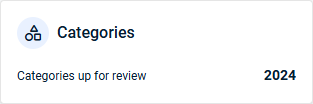
This widget displays the number of categories that have passed the reminder date set for them in the Standards Library for the organizations you have access to.
Clicking this widget opens the Up For Review pane on the Alignment page, allowing you to view and manage organizations or categories up for review.
Refer to Using the Standards Library and Managing reviews.
Contracts
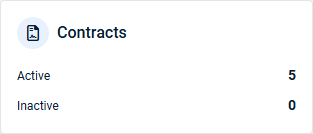
This widget is displayed only if the myITprocess account is integrated with Autotask and the Enable Contracts Sync checkbox is selected in the integration settings. The total number of Autotask contracts synced to myITprocess for the organizations you have access to is grouped by status: Active or Inactive.
Clicking this widget opens the Contracts page, allowing you to view and manage synced contracts.
Device Warranty Lookup
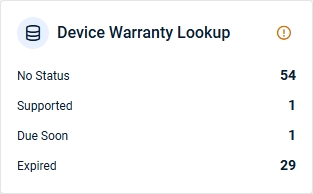
This widget is displayed if at least one organization from a device lifecycle integration is mapped to myITprocess. The total number of devices synced to myITprocess via device lifecycle integrations is grouped by status.
Clicking this widget opens the Device Warranty Lookup page, allowing you to view and manage synced devices for the organizations you have access to.
Refer to Device Lifecycle Management overview.


